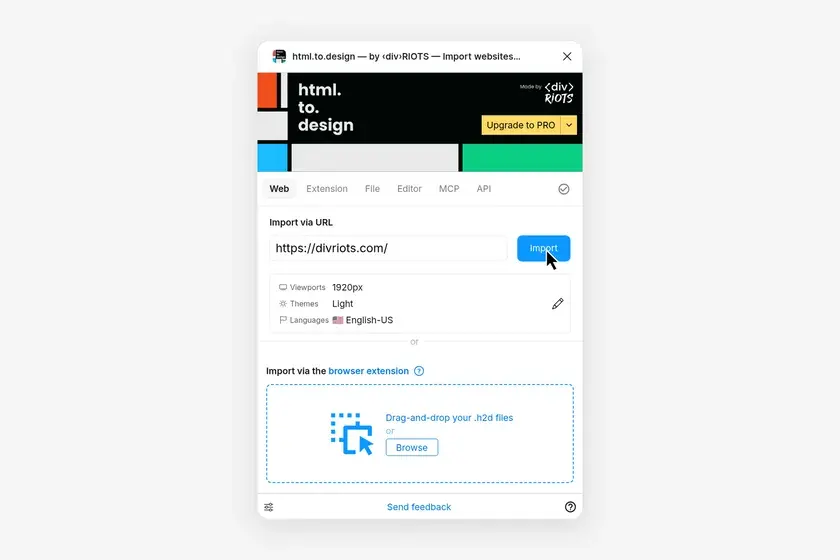
Launch the Figma plugin
Last updated
How to launch the html.to.design Figma plugin
1. Open the Actions menu in Figma
In the bottom toolbar in Figma, open the Actions menu (⌘K on Mac, Ctrl+K on Windows) and go to Plugins & widgets. Search for html.to.design. You can also install it from the Figma Community.
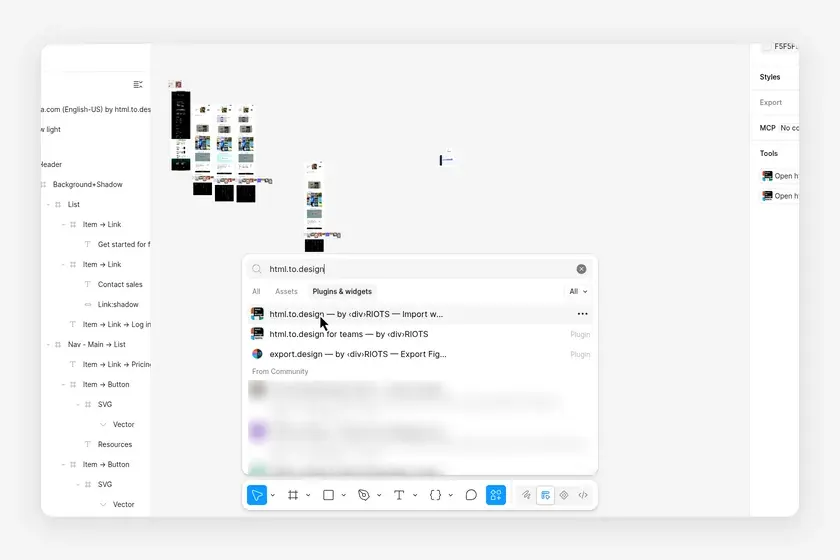
2. Run the plugin
Click html.to.design — by ‹div›RIOTS in the results: the plugin opens on your canvas.
3. Import your first webpage
Start in the Web tab and paste the URL of a webpage you want to import as editable Figma designs. The other tabs: Extension, File, Editor and MCP. html.to.design also runs in FigJam and Figma Slides.