Import HTML/CSS code
Last updated
In the Editor tab, you can directly type or paste your HTML and CSS code to convert it into editable Figma designs.
For example, you may have code generated by an AI tool that you want to bring into Figma. Simply paste it in the Editor tab and click “Create” to transform your code into Figma layers.
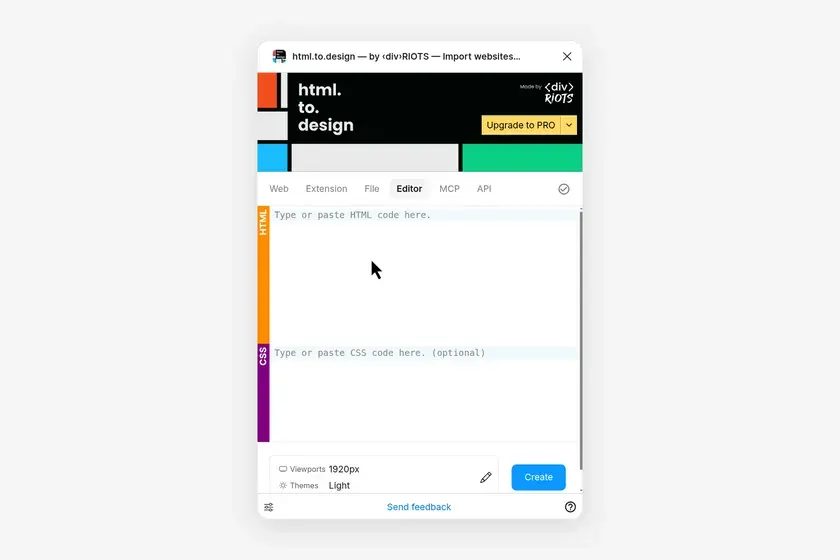
How to import your own code in Figma
-
Go to the
Editortab -
Paste or type your HTML and CSS code (optional) into the space provided
-
Hit “Create”!
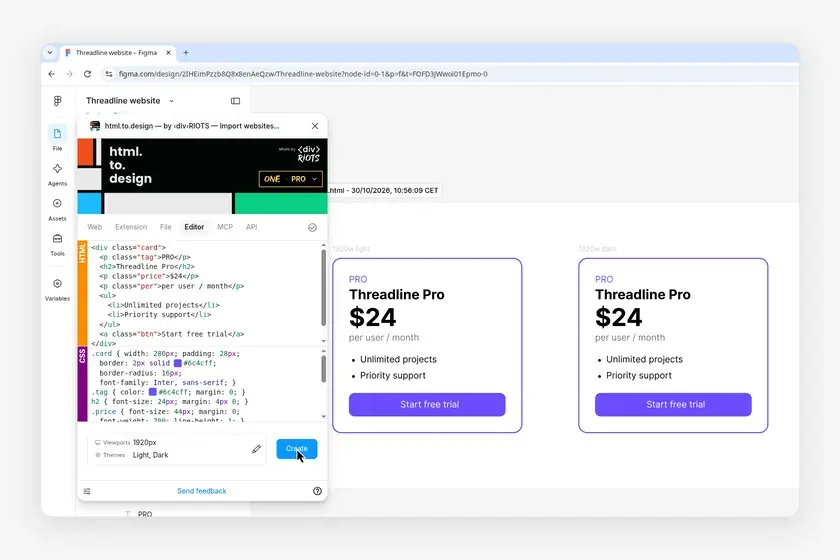
- Your code is converted into Figma layers that you can edit as usual
ℹ️ Select the imported section, edit its code in the Editor tab and click Update to see how it changes your design in Figma.