Legacy PRO for teams
This page is for teams that already have an active legacy html.to.design PRO for teams subscription. New subscriptions are no longer available — new teams should upgrade to ‹div›RIOTS ONE instead. See PRO for teams for the plans.
Manage team members
-
After purchasing your team’s licenses, you’ll be redirected to your team dashboard.
-
Log in with the email you used for payment
-
Assign seats to your team members and share their invite codes with them.
Go to dashboard
ℹ️ If the person who purchased the plan will not be using the plugin, they do not have to use up one of the paid licenses. This person can simply manage access and assign the first license to any other team member.
Enter invite codes
To finish activating a legacy PRO for teams plan, each team member must enter their invite code directly in the html.to.design plugin:
-
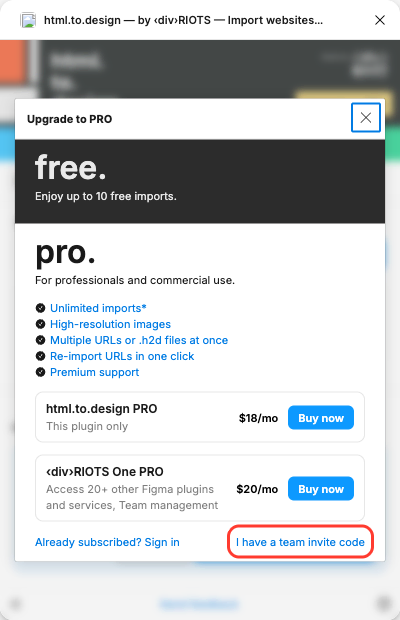
In the plugin, click Upgrade to PRO.
-
At the bottom of the upgrade dialog, click I have a team invite code.
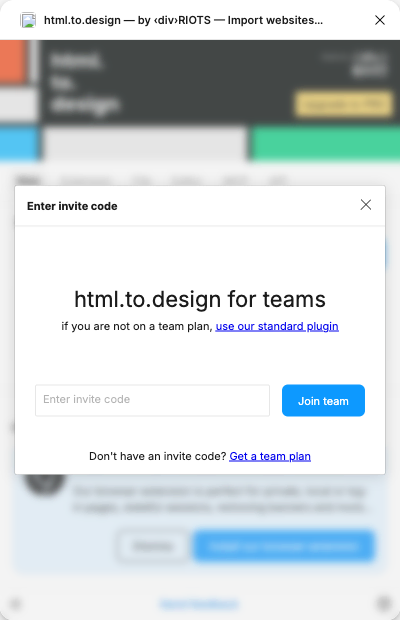
- Paste the invite code your team admin shared with you, then click Join team.
or
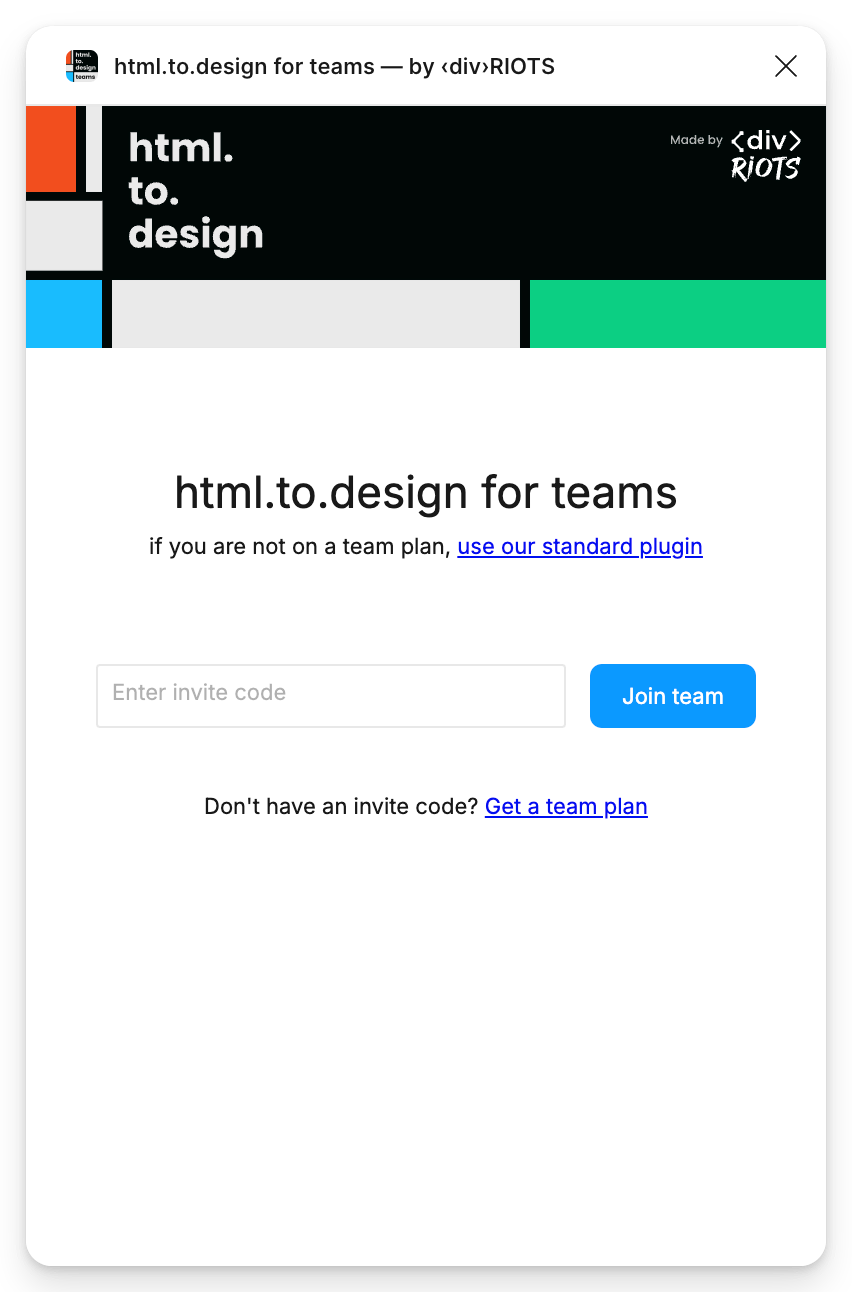
Invite codes can also be entered in the dedicated html.to.design for teams plugin, where the invite-code screen opens as soon as you launch it.