Bot-protected sites
Last updated
Some websites are protected against bots and might show a human verification popup before allowing you to access it. When importing one of these sites via URL with html.to.design, you may get the human verification popup as a result, instead of the webpage.
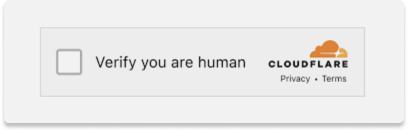
If this happens, capture the site with the html.to.design browser extension instead:
- Open the site in your browser and complete the verification.
- Click the html.to.design icon and Capture Full Page.
- Copy the capture to Figma, or send it to the plugin.
The extension captures the page from your own browser session, after the check is passed.