How to import a website into Figma Make
If you’re using Figma Make — Figma’s new AI-powered prototyping tool — you probably know how powerful it is for building fast. But starting from scratch every time? Not ideal.
What if you could import any website into Figma Make and instantly start iterating in Figma Make?
That’s what html.to.make is built for. It converts any live website into a .make file,
so you can edit it directly in Figma Make. Real structure, real layout, real DOM.
In this guide, we’ll show you exactly how to do it — step-by-step — and why it’s a must-have tool for designers and product managers alike.
TL;DR
✅ Go to html.to.make
✅ Paste any public URL
✅ Download the .make file
✅ Drop it into your Figma projects
✅ Start prototyping instantly — no rebuild needed
Using html.to.make gives you more than a quick start
For pages behind login, first use html.to.design chrome
extension to get an .h2d file of
the page, then drop it into html.to.make.
What is Figma Make?
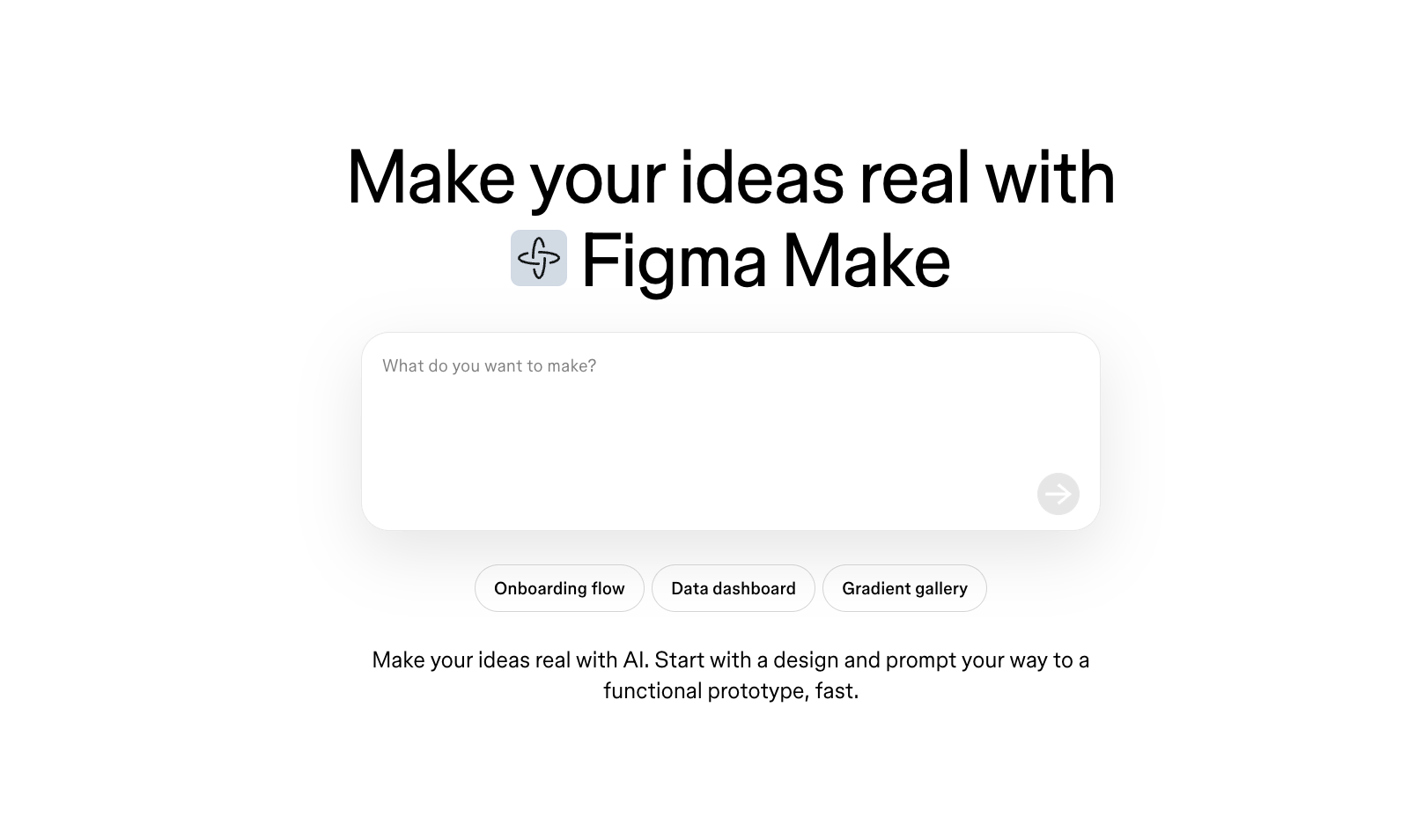
Figma Make is part of Figma’s AI-powered design tools that allow you to go from idea to interactive layout using natural language prompts — think “vibe designing” instead of drag-and-drop layout work.
You can ask Figma Make to add sections, redesign blocks, entire UIs, generate themes, popups, or restructure a page entirely using text instructions.
When combined with html.to.make, it becomes a supercharged way to build interactive, editable mockups on top of real websites or web app — while skipping the grunt work.
What is html.to.make?
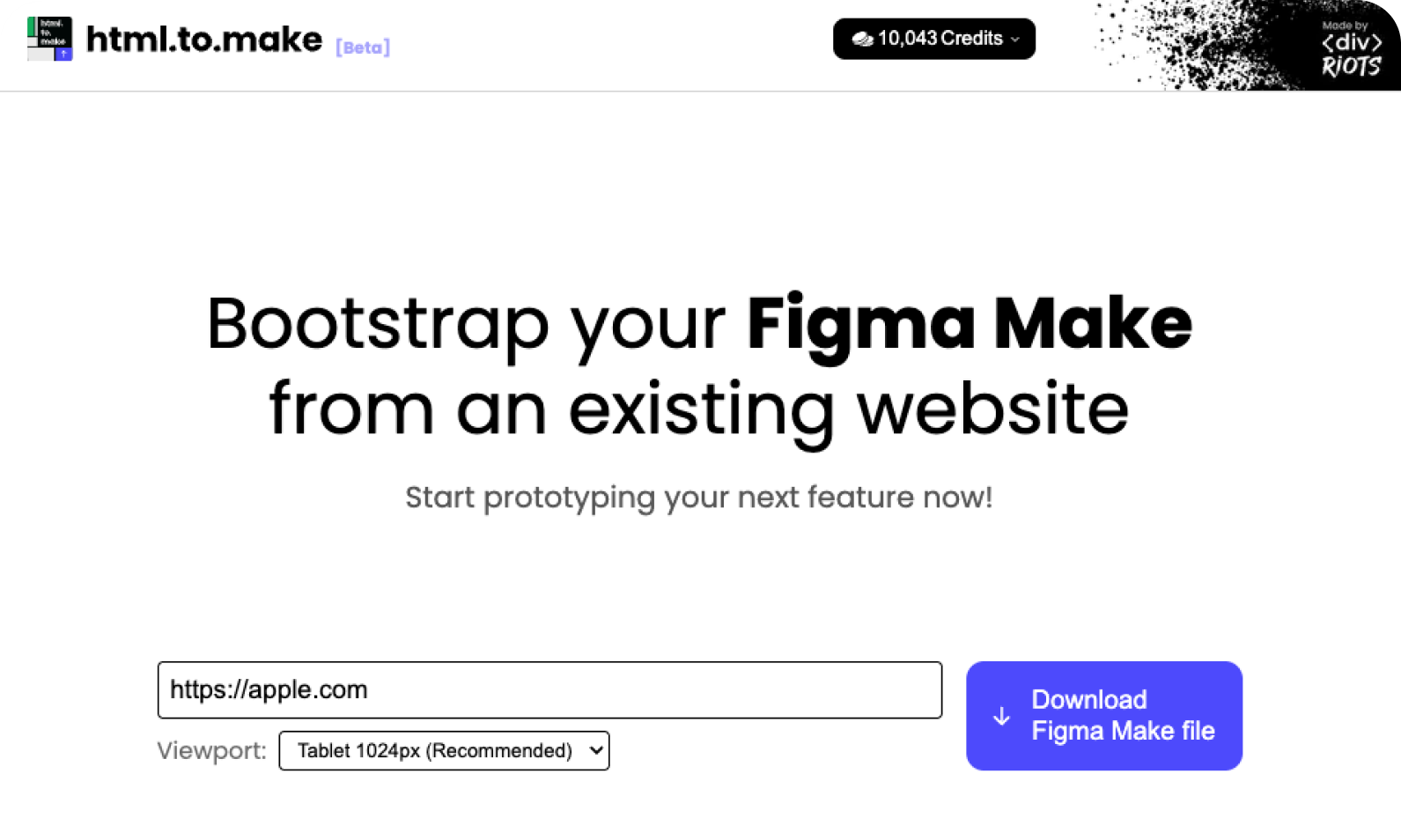
html.to.make is a tool that lets you paste in any website or web app URL
and download a .make file that you can drop into Figma Make.
This isn’t a screenshot or traced design — it’s a real, editable file with:
- Real text and fonts
- Proper layout and sections
- Accurate spacing and styling
Why Import a Website into Figma Make?
Using html.to.make gives you more than a quick start:
- Pixel perfect results Your site is imported exactly as it renders online — no screenshots, no guesswork. Layouts, fonts, and visual structure remain intact, so you’re starting with something real.
- Less prompting, fewer tokens Because you’re starting from a working UI, you don’t need to spend tokens to generate the basics. Your first prompt can focus on iteration, not reconstruction.
- Rapid feature prototyping Add screens, extend flows, test onboarding, or prototype features like popups and pricing models — all within Figma Make.
- Faster team alignment Share a working Figma Make prototype based on your actual product and get buy-in early. It’s far easier to collaborate on edits when you’re not starting from a blank canvas.
- AI on real context Let Figma Make work with your real content and design system. You’ll get more relevant suggestions and stronger design outcomes when the context is real.
Example Use Case: From live app to pitch-ready prototype
Imagine you’re working on a product and need to propose a new in-app upsell flow. Instead of recreating the entire UI, just import the existing site into Figma Make with html.to.make.
Then:
- Add a new “Premium Benefits” section above the fold
- Insert a timed modal with pricing logic and deep links
- Re-theme the page to match your upcoming brand refresh
- Share the working prototype with stakeholders
All of that — in under 10 minutes, with no manual layout work. This is how you go from idea to feedback loop, fast.
Step-by-Step: How to Import a Website into Figma Make
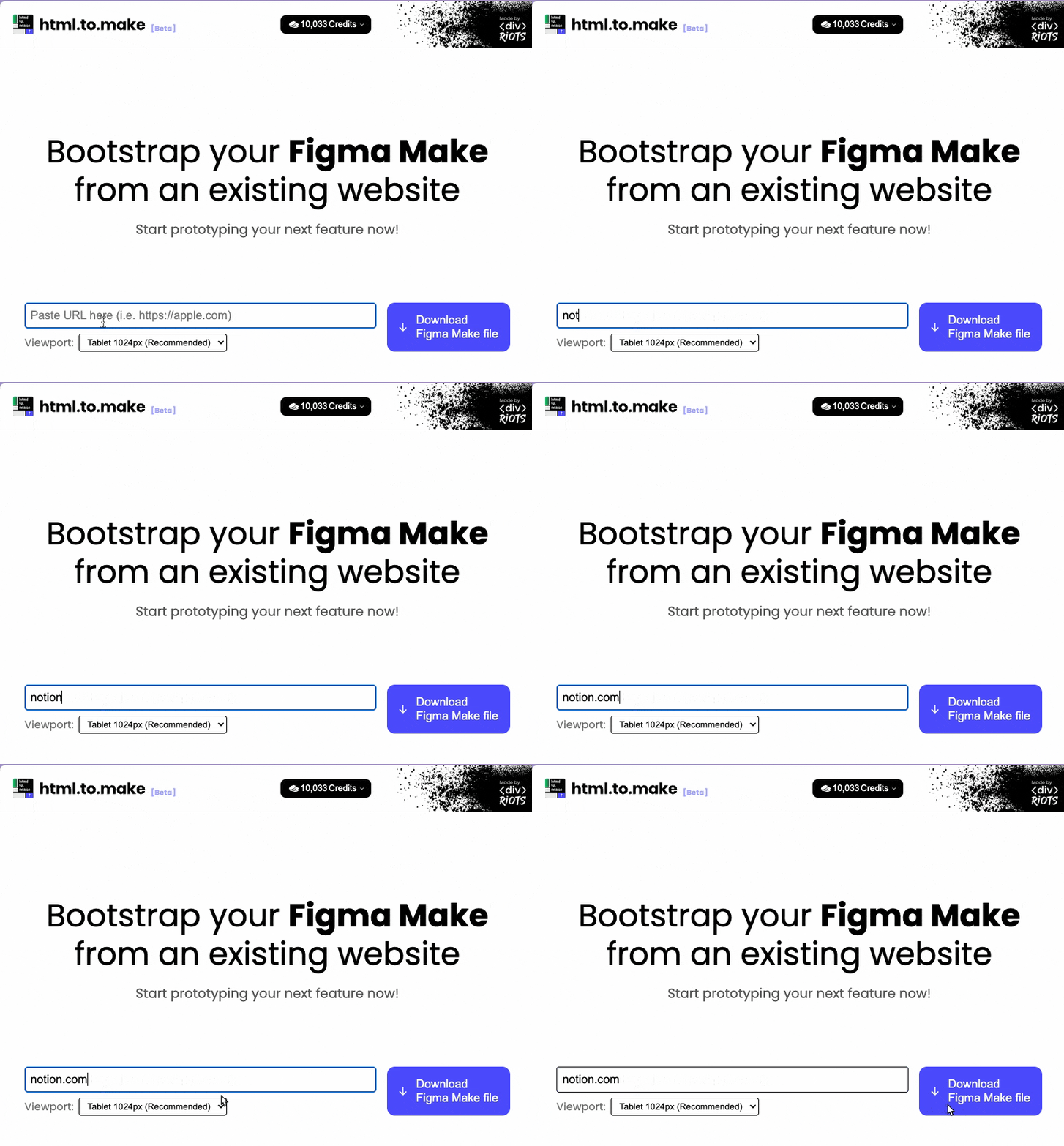
1. Go to html.to.make
2. Paste the Full URL, or drop an .h2d file
Enter your webpage (like https://example.com) and click “Download Figma Make File” (The tool will generate and download a .make file for you.)
💡
For pages behind login, first use html.to.design chrome
extension to get an .h2d file of
the page, then drop it into html.to.make.
3. Open Figma Make
Go to the Figma project browser and drop in the .make file.
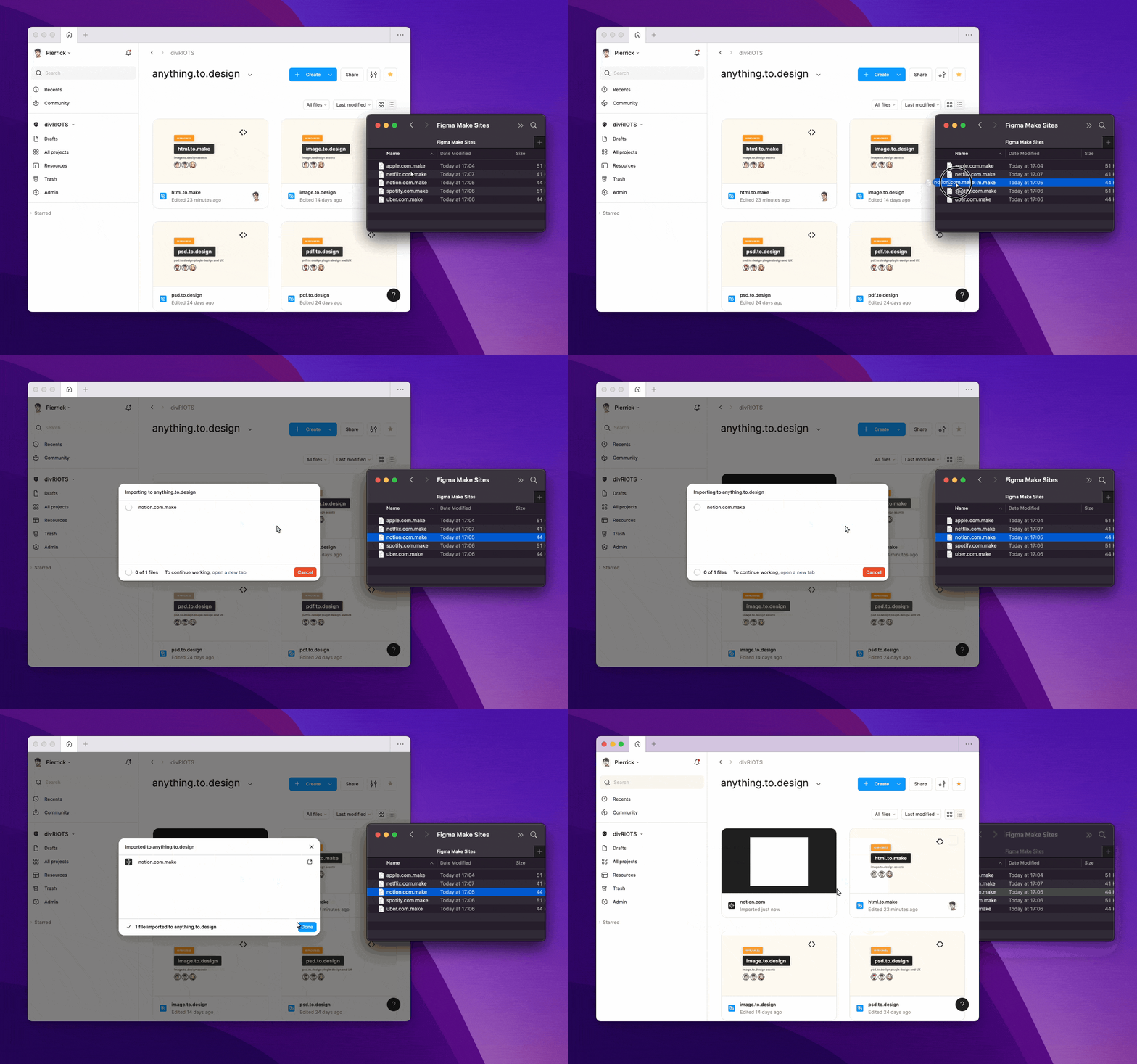
4. Start Editing
Now you can start vibe coding directly inside a fully editable version of the imported site.
Who Is This For?
- Product Managers — validate feature ideas without full design cycles
- UI/UX Designers — iterate from real structure instead of blank files
- Agencies — deliver faster mockups for clients
- Founders — prototype in minutes, even solo
Bonus: AI Prompts to Extend Your Imported Website
Here are prompts that push the full potential of Figma Make:
- “Refactor this page into a 3-step onboarding flow with a progress indicator, contextual tips, and dynamic CTA text.”
- “Convert this product page into a comparison view with two product columns, feature checkmarks, and toggleable pricing models.”
- “Add a sticky header with logo, nav, and search input. Make it responsive and auto-hide on scroll down.”
- “Insert a modal triggered by the ‘Subscribe’ button, with email input, keyboard nav support, and form validation feedback.”
- “Create a mobile version of this layout with adaptive stacking and a fixed bottom nav bar with icons.”
FAQ: html.to.make & Figma Make
Can I import any website into Figma Make?
Yes pretty much.
Can I import web apps (not just landing pages)?
Absolutely. Tools like Spotify, Notion, etc. import beautifully.
Does it work with pages behind login?
Yes — for pages behind login, first import it with html.to.design chrome extension, then drop the .h2d file into html.to.make.
Can I prototype features on top of imported sites?
Yes — add modals, pricing sections, popups, etc. in seconds.