Summer improvements of html.to.design
This summer we gave html.to.design an upgrade, with some big improvements you’ve been asking for: more precise gradients for exact browser colors, a fix for pages that used to fail, partial imports instead of nothing when there’s an error, and more accurate Figma grids from CSS grid layouts. Here’s what changed and why it matters if you’re pulling live sites into Figma.
Rendering fidelity
Gradients more pixel-accurate than ever. This improvement covers conic (pie/donut) gradients, repeating gradients, off-centre radials, and edge colors — all now matching the source site exactly if they weren’t already.
SVG color handling is improved too. Vivid colors and Tailwind’s color palette now import as the exact shade the browser renders. If you import sites built on Tailwind, the blues and greens now land as the precise shade you see in the browser.
More accurate Figma grids from CSS grid layouts. Pages using auto-fit or auto-fill grid layouts come in as more accurate Figma grids with real grid structure behind them, so resizing and rearranging behaves the way you’d expect.
Import reliability
Better error handling. When a page hits a limit partway through, you get everything that completed successfully up to that point — a page that’s 90% done comes in as 90% done, even if the rest of the import failed.
This update also improves imports from rate-limited, bot-protected, or slow-to-load sites, which now succeed far more often than before. If you regularly import from sites with aggressive bot protection or slow server response times, this is the fix that affects you most directly.
Motion design tokens import as Figma variables. Transition duration and easing values from the source site now come through as variables you can use directly. This matters if your workflow uses import data to hand off animation specs, not just static layout.
Chrome extension
Improved Chrome extension performance means it is now more reliable with heavy JS sites, including Figma itself and Claude.
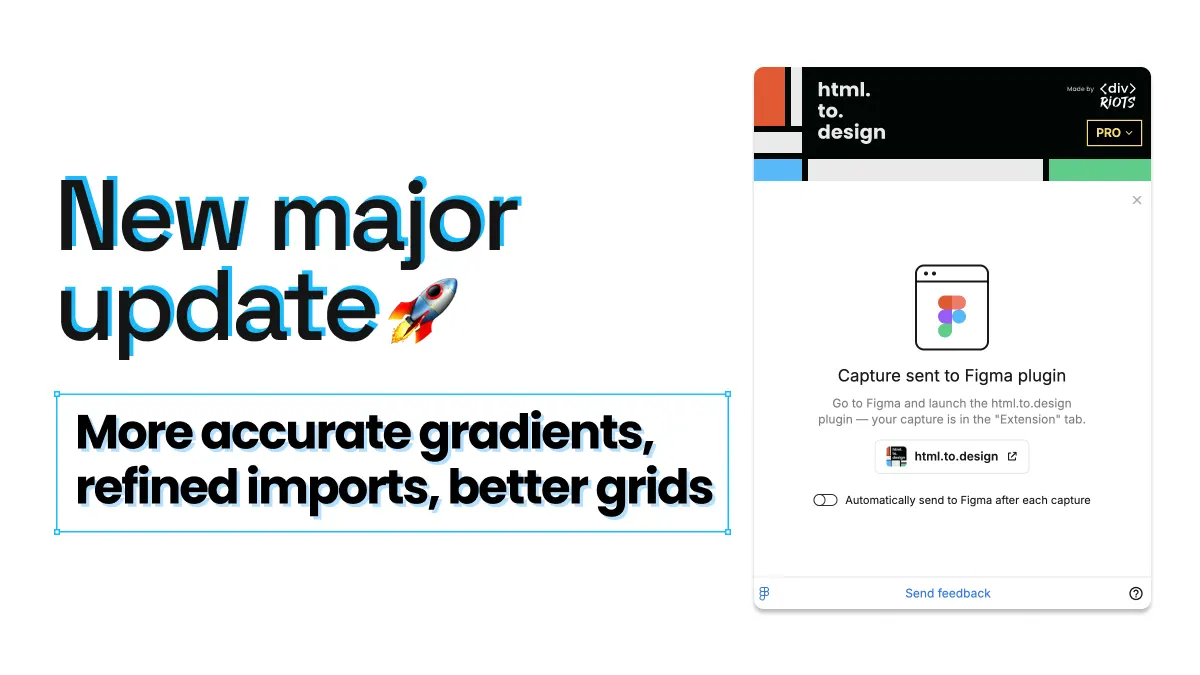
The extension also now shows a clear “Capture done” screen after it finishes — so you always know a capture has completed.
Performance
Increased support for drag-in imports over 30MB. The upload size ceiling has been raised, so even large pages you’re dragging-and-dropping in go through seamlessly.
Faster plugin boot time across the board, so you get from opening the plugin to starting an import more quickly.
Try it
Improved gradient accuracy, partial imports for failed pages, and better grid layouts are all live in this release.
Run html.to.design in Figma and let us know what you think!