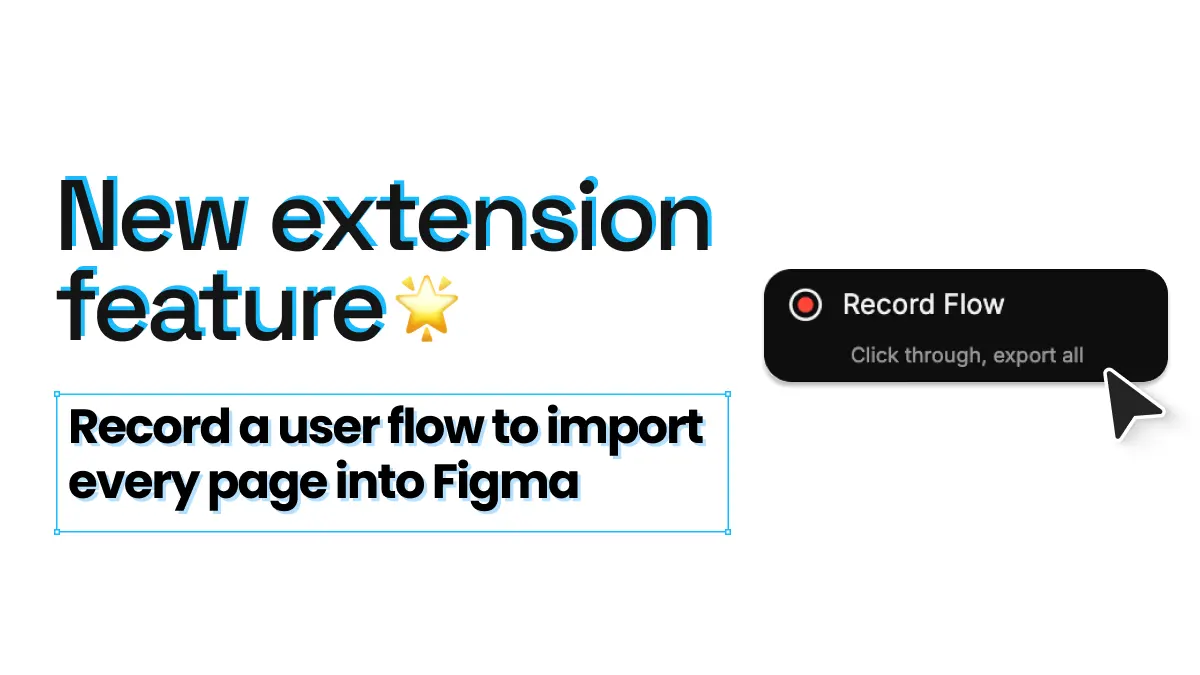
Record a user flow and import every page into Figma
Documenting a checkout flow used to mean opening the cart, capturing it, clicking through to shipping, capturing that, then repeating until the order confirmation page — and finally dragging every frame into place in Figma by hand. With the new Record flow feature in the html.to.design Chrome extension, you click once, browse the site the way a real user would, and html.to.design imports every page you visited into Figma in the order you visited it.
Here’s how it works and where it saves you the most time.
Record a flow
One click to start, then just browse. Open the extension, click “Record flow”, and use the site normally: sign up, add a product to your cart, check out, change your account settings — whatever journey you need to document.
Every page is captured along the way. You don’t stop to capture each screen. html.to.design captures each page as you move through the journey, so you stay focused on the flow instead of the tool.
Pages land in Figma in the right order. The captured pages come into Figma as editable designs, sequenced the way you browsed them. No renaming frames, no reshuffling, no trying to remember whether the payment step came before or after the address form.
How it works
-
Install the html.to.design browser extension and the html.to.design Figma plugin if you haven’t already.
-
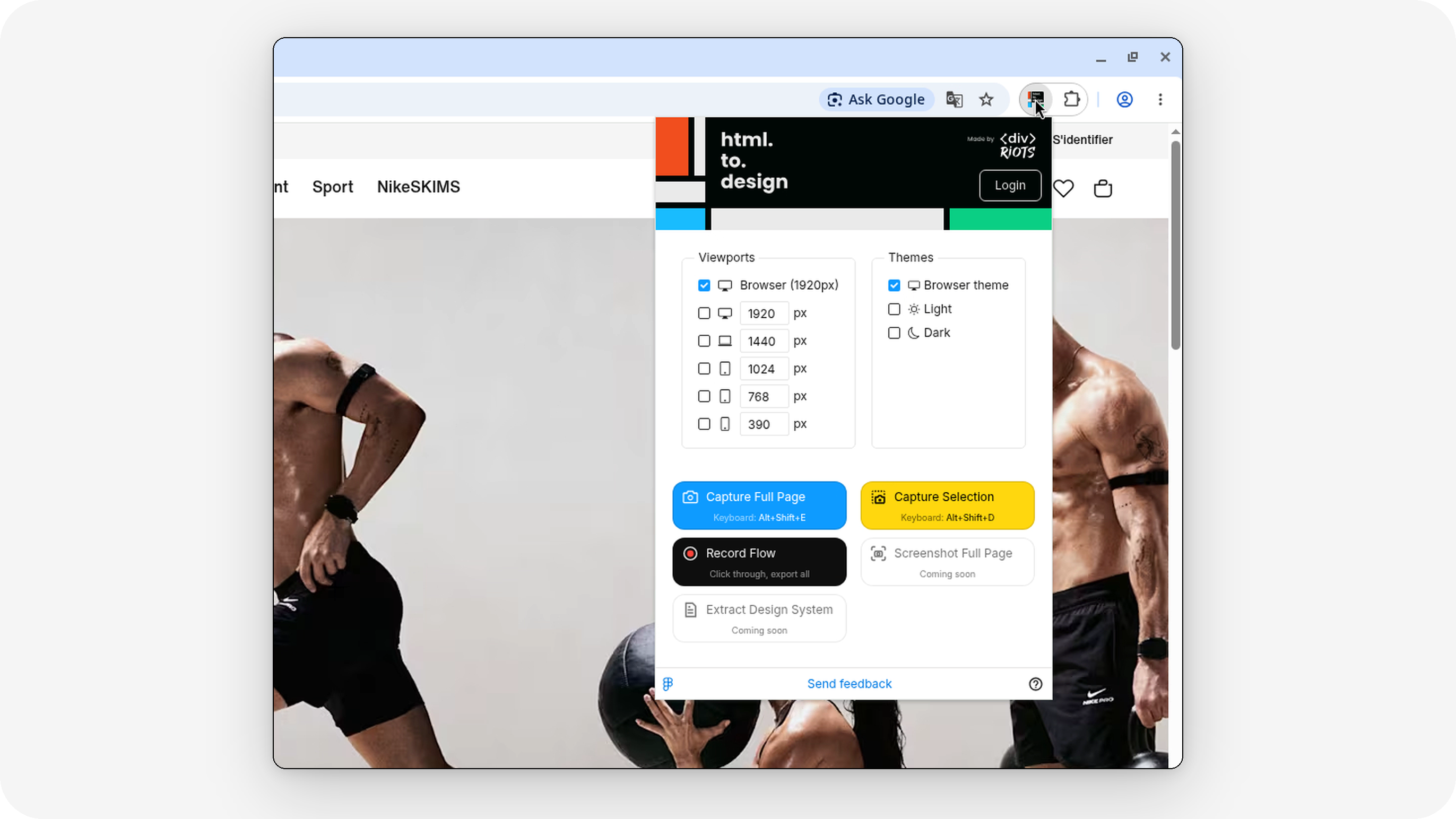
Open the site you want to capture and click the html.to.design icon in your browser’s extensions menu.
-
Click “Record flow”.
-
Browse through the journey as you normally would.
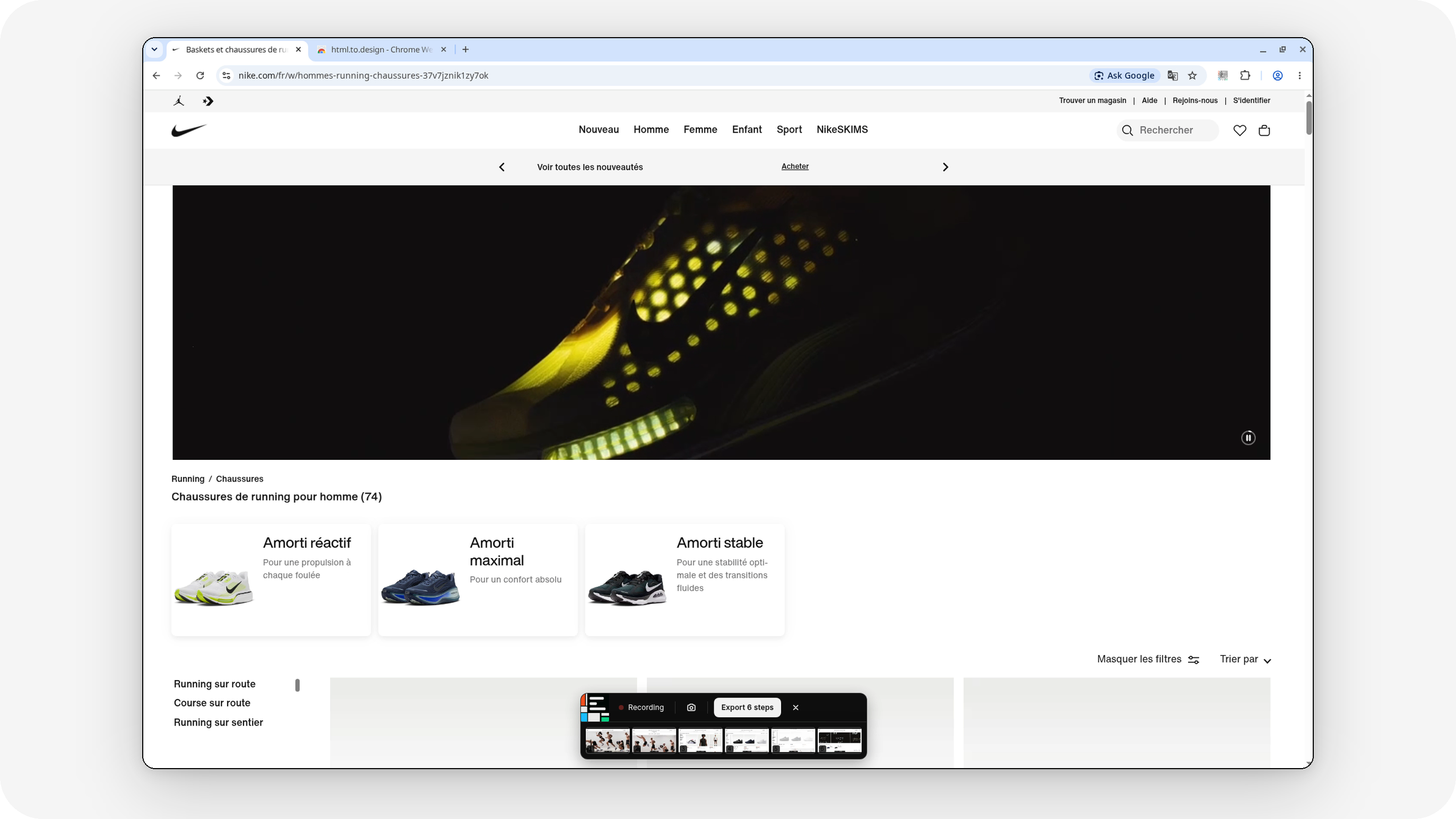
- Once you’re done capturing all the pages for your user flow, click on “Export steps” in the “record flow” toolbar.
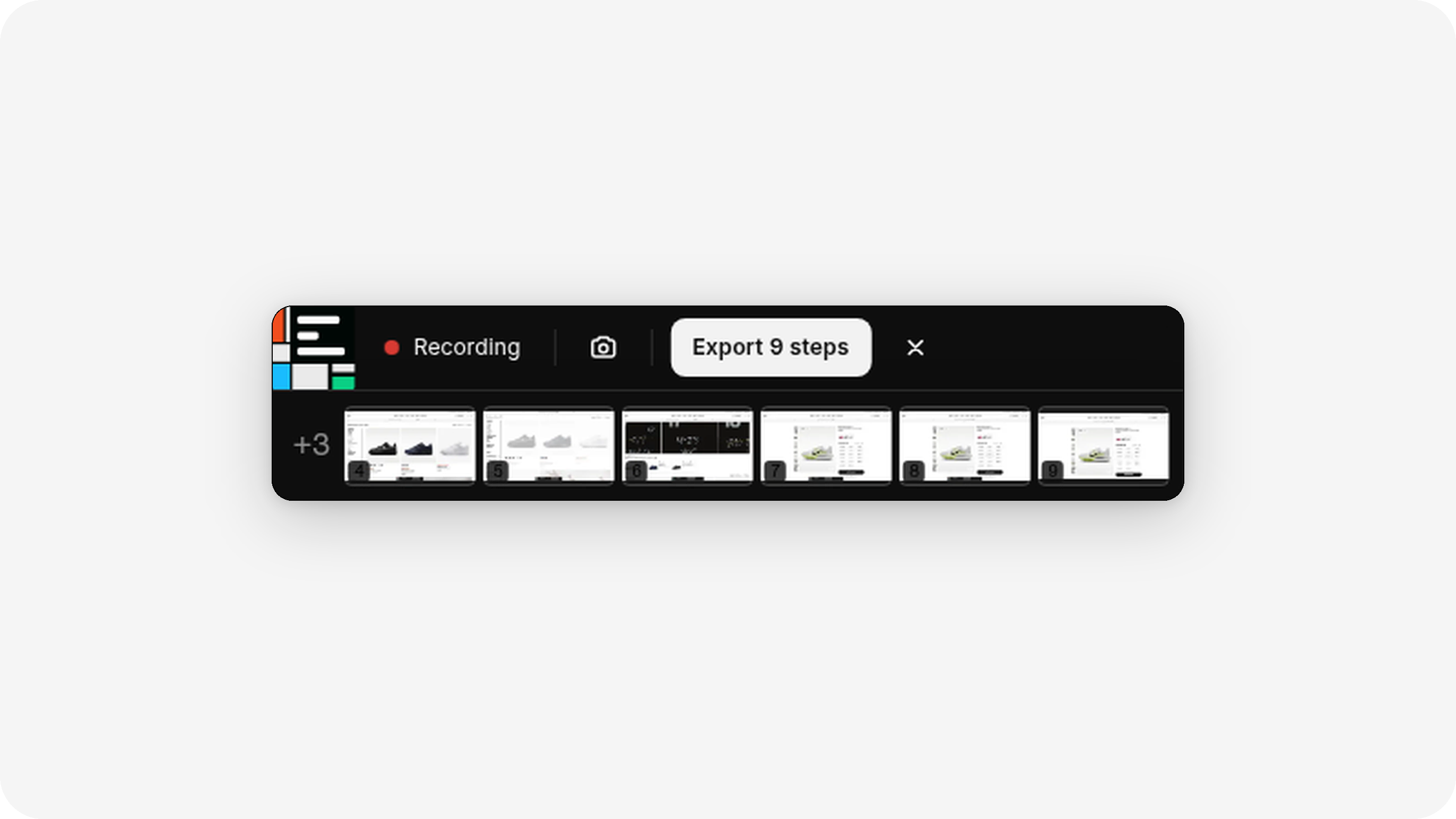
- Choose “Send to Figma” as the import option in the extension, to send all captured webpages to Figma.
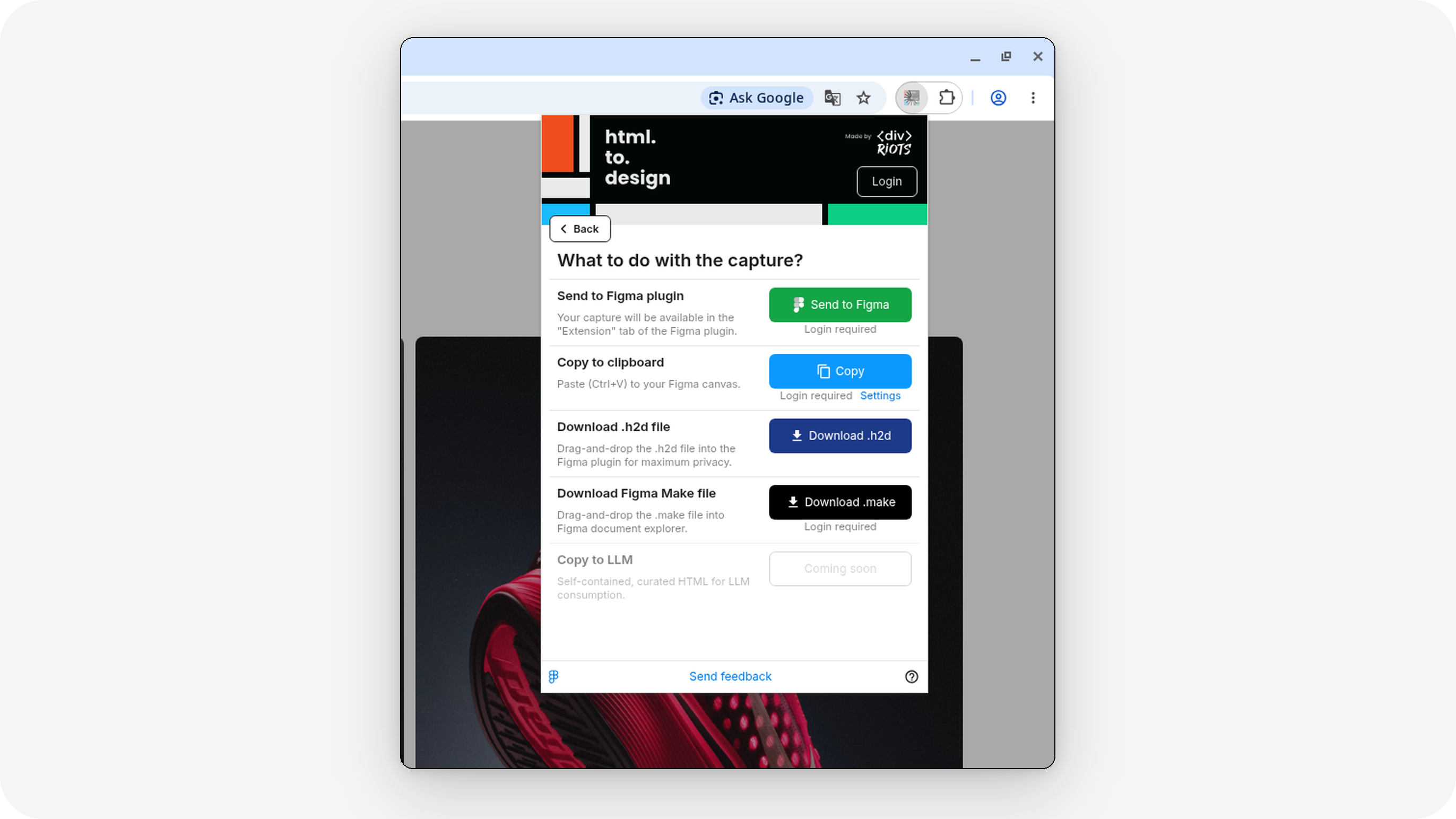
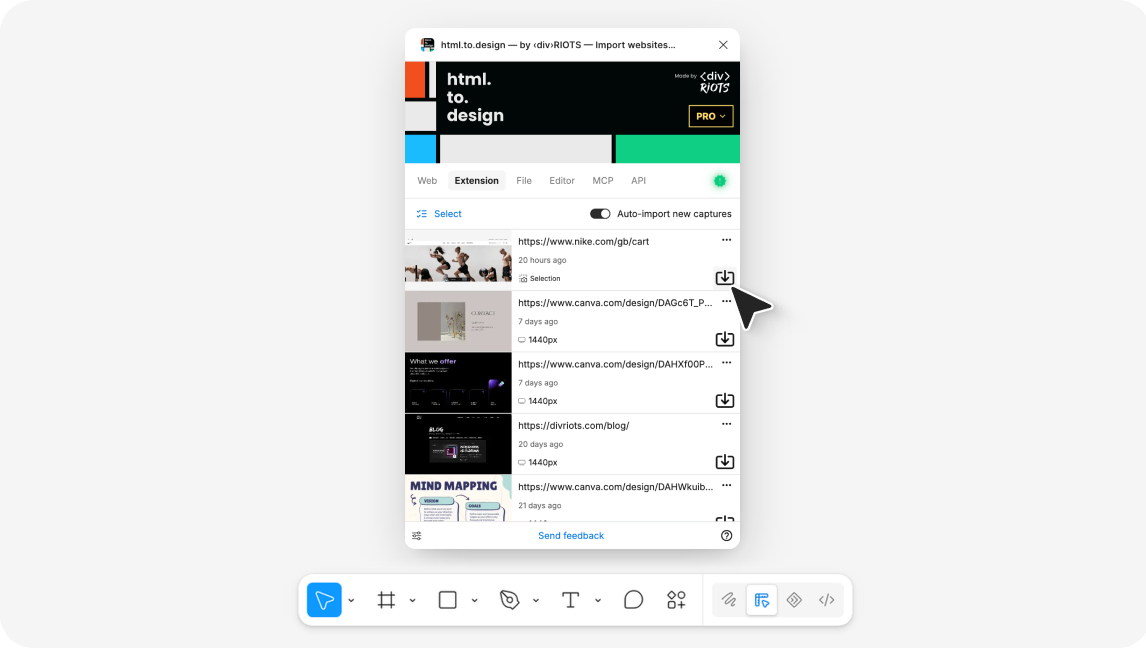
- Finish importing your user flow from the “Extension” tab in the Figma plugin.
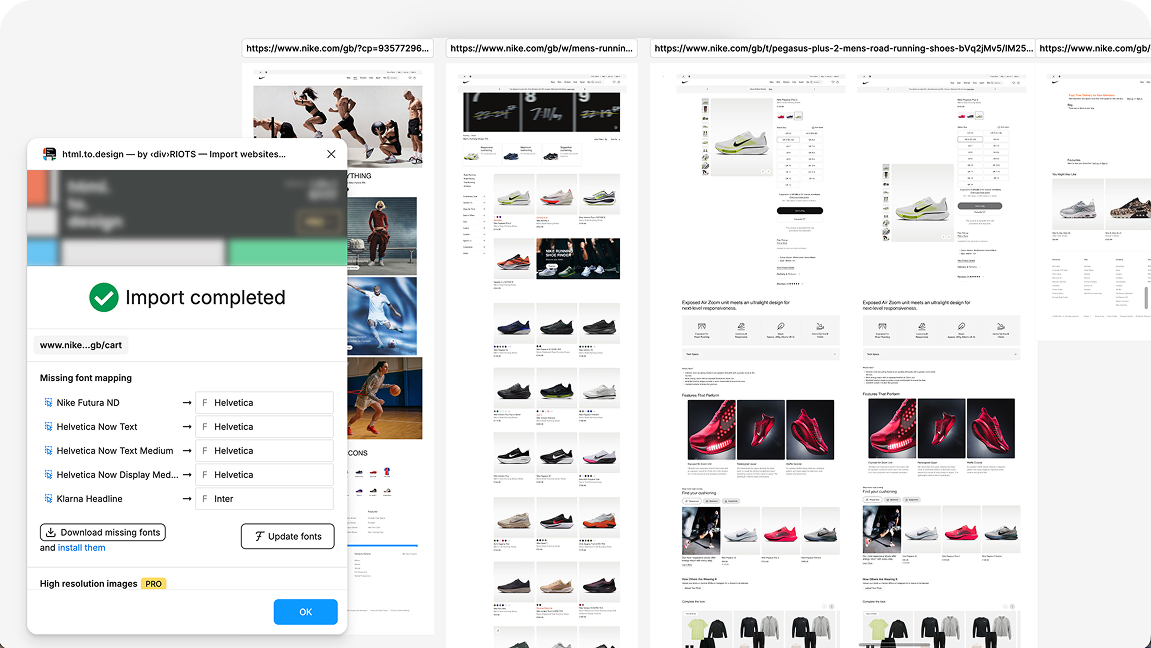
- You now have fully-editable Figma designs of your user flow, automatically placed on your canvas in the right order!
ℹ️ The extension runs in Chrome, Edge, Brave, Opera, Arc and other Chromium-based browsers.
Benefits of new “Record flow” feature
A 10-page flow in one go, not 10 separate captures. The manual version of this task is the same loop over and over: navigate, capture, import, position, rename. Record flow collapses that loop into a single pass through the site.
Correct order by default. Sequence is the entire point of a user journey. When you assemble a flow by hand, it’s easy to miss a step or drop an interstitial screen in the wrong place. Recording the journey keeps the order exactly as it happened.
Works for private pages behind a log-in. The most interesting parts of a product — onboarding, dashboards, checkout, account settings — usually sit behind a login. The extension captures from your own browser session, which is why it’s built for importing private pages behind a log-in. Sign in, start recording, and walk through the authenticated flow.
You get editable layers, not screenshots. Every recorded page imports as a Figma design you can annotate, take apart, and redesign — the same output you get from a standard html.to.design import.
Use cases
-
UX audits — Record the current sign-up or onboarding flow, then annotate friction points directly on the imported pages in Figma.
-
Competitor benchmarks — Walk through a competitor’s checkout or pricing flow and lay it next to yours. Our guide to benchmarking competitors in Figma covers how to set up the comparison.
-
Redesign mapping — Before redesigning a flow, record the live version so your team starts from an accurate, editable map of what exists today.
-
Stakeholder walkthroughs — Share a complete, ordered flow in a Figma file instead of a folder of screenshots or a screen recording nobody can comment on.
Try it out!
Record flow is available now in the html.to.design Chrome extension.
Run the html.to.design extension on any website you want to capture, and record your first flow. Let us know how it goes on Discord — and check out the rest of the ‹div›RIOTS plugin ecosystem for importing PDFs, images, Office files and more into Figma.